
If you are using the Akasha Bitcoin Map for the first time, follow the steps below.
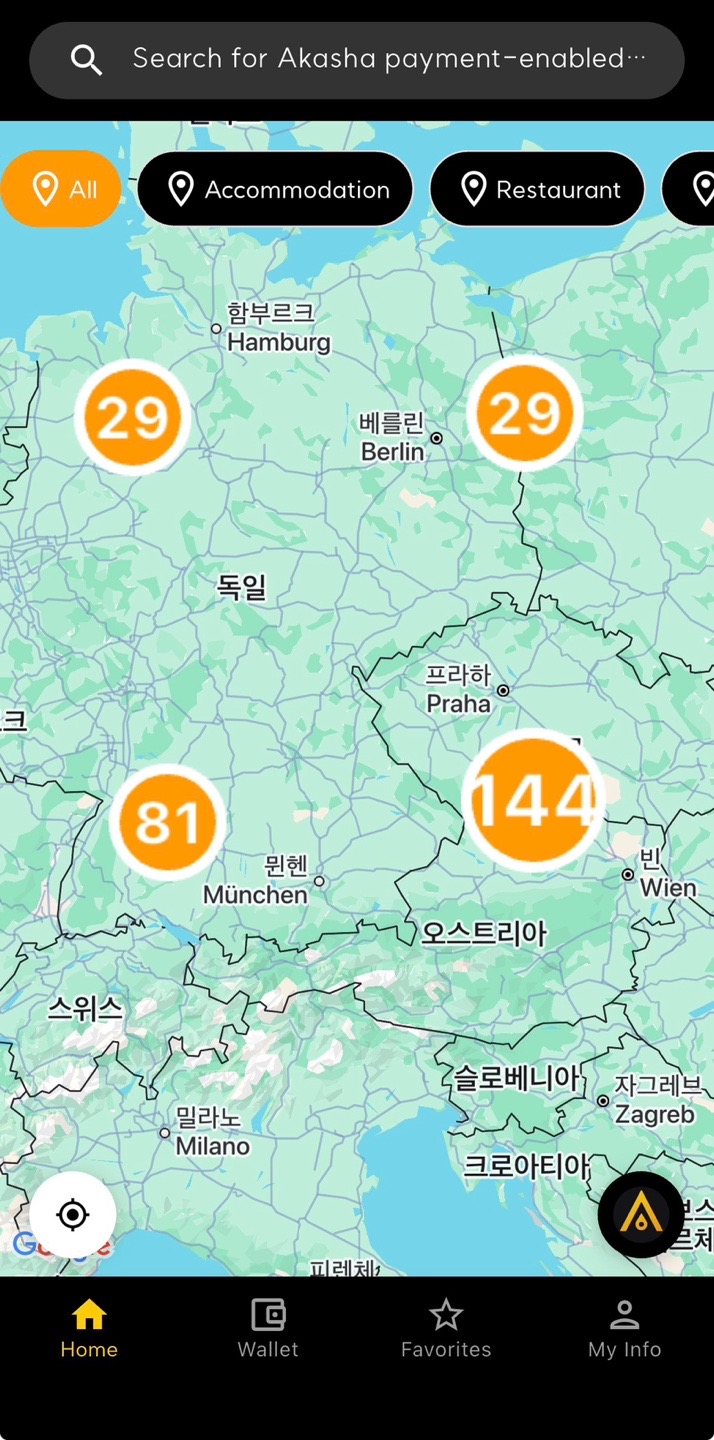
① Check Your Current Location or Desired Area on the Map
When you open the app, Bitcoin-accepting stores around the world are displayed based on your current location. Use your thumb and index finger to zoom in and out of the map.
As you zoom, you will see the number of Bitcoin-accepting stores in each country or region.
If you are traveling, you can move the map by city or country to explore where Bitcoin payments are available.
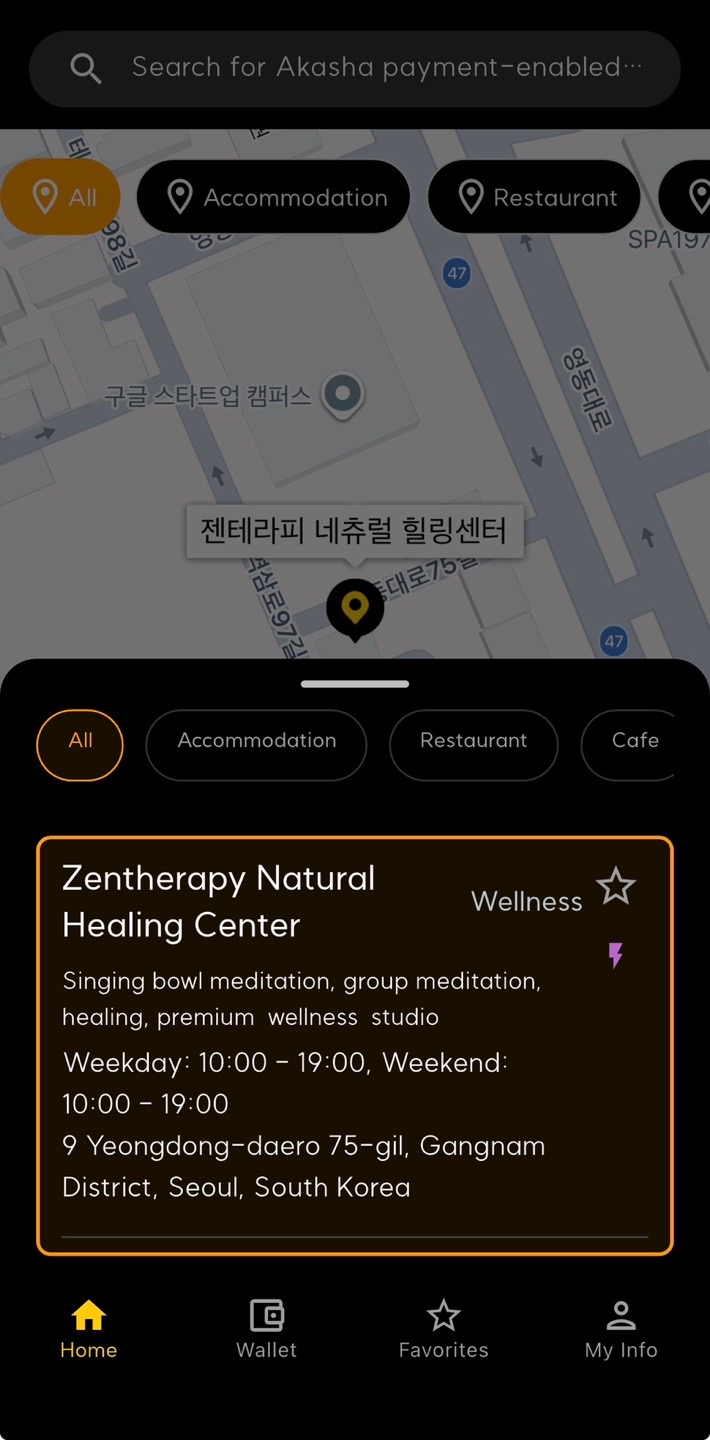
② Tap a Store on the Map
When stores appear in your selected area, tap the Akasha icon on the map to view a list of nearby stores. Select a store you are interested in to view detailed information.
Each store profile includes:
- Store name and business category
- Physical address and map location
- Business hours
- Contact information or messenger links
- Supported payment methods (Lightning, on-chain, etc.)
- Website or social media links
This allows you to check the store's status before visiting. To avoid unnecessary trips, we recommend contacting the store in advance if you have questions.
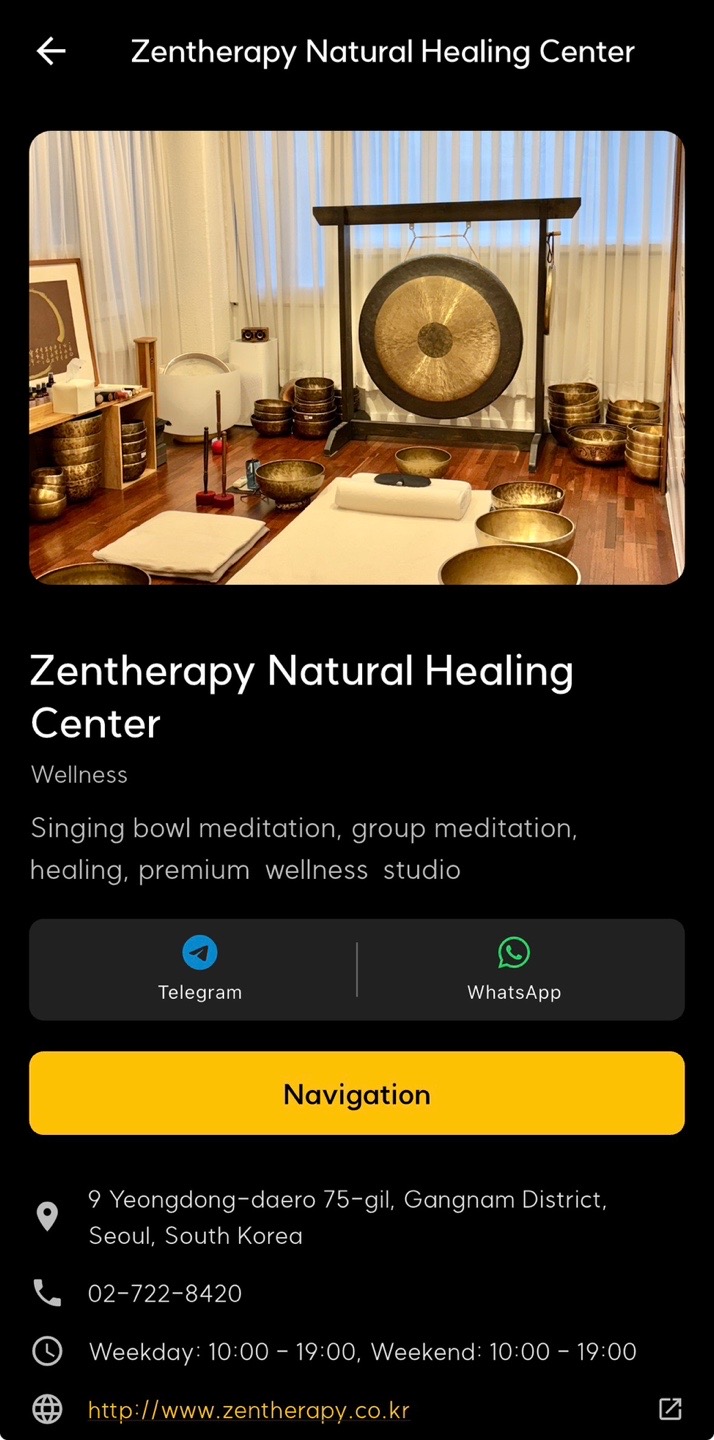
③ Tap the Navigation Button
Tap the yellow navigation button to open Google Maps with directions from your current location.
Navigation is activated only when the store is available in your current country. Directions are provided automatically based on your location.